


Greater Long Island coverage is funded in part by Toresco & Simonelli, a boutique injury and family law firm in West Islip. They fight for their clients. Click here to get in touch.
To our readers:
Google News recently rolled out a feature called Preferred Sources that lets you tell Google which news sites you want to see more often in your search results. When you add your favorite outlets to your preferred list, content from those sites will be more prominent in the Top Stories section — and can also show up in a dedicated “From Your Sources” box.
Here’s how to set it up so you’re more likely to see Greater Long Island coverage when you search on Google.
Scroll down for some step-by-step directions and more information, but the easiest way is to click this link and check the box for Greater Long Island. Google lets you add an endless amount of preferred sources and you can edit your preferences at any time.
Step-by-step
- Sign in to your Google account in your browser or on mobile.
- Go to the Preferred Sources page. (You also can search “Google Preferred Sources” and click the result that lets you manage sources.)
- Find Greater Long Island in the list of publishers, or type its name into the search box.
- Check the box next to Greater Long Island to add it to your preferred sources.
- That’s it. When you search for local news topics, Google will be more likely to show stories from Greater Long Island in your Top Stories and the “From Your Sources” section.
Another way
If you’re already doing a Google search and see a Top Stories box, look for the preferred source icon near that section. Clicking it will bring up a menu where you can search for and select Greater Long Island directly from the search results.
It’s really just a simple way to customize Google Search to show you the local news you care about first.
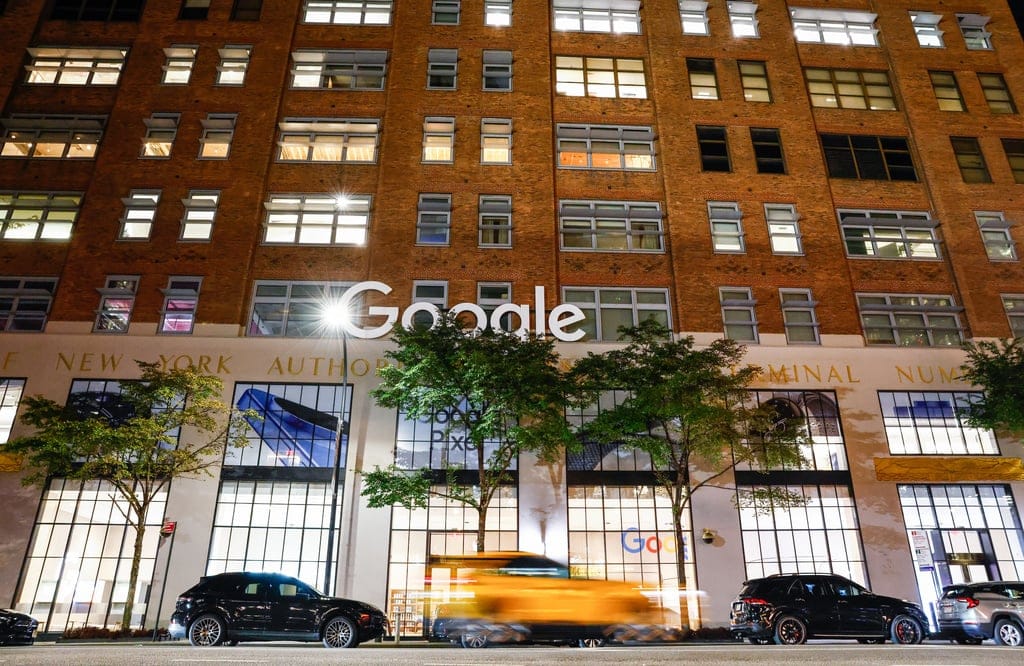
External view of the Google building in Chelsea on Thursday, Oct. 09, 2025, in New York. (AP Photo/Kena Betancur)